









Planning your Interrail trip starts here
Go from “Where do I begin?” to “All aboard” with our step-by-step planning guide.

1. Decide where you’d like to go

Get inspired by our travellers
Our magazine is full of stories, advice and itineraries written by other Interrailers.

Ask the Community
Get tips and intel from other travellers. Post your questions and get answers directly.
2. Design your route
Interrail’s network covers 33 countries across Europe. Start with the destinations you’ve always wanted to see (or go back to) and plan from there.
Everything you need to plan your route
-
 Timetable: See train schedules across Europe and plan the journeys you'd like to take.
-
 Railway map: View train routes included in the Interrail Pass network.
-
 Trains and ferries in Europe: Learn which trains and ferries are included in the Pass.

3. Choose your Interrail Pass
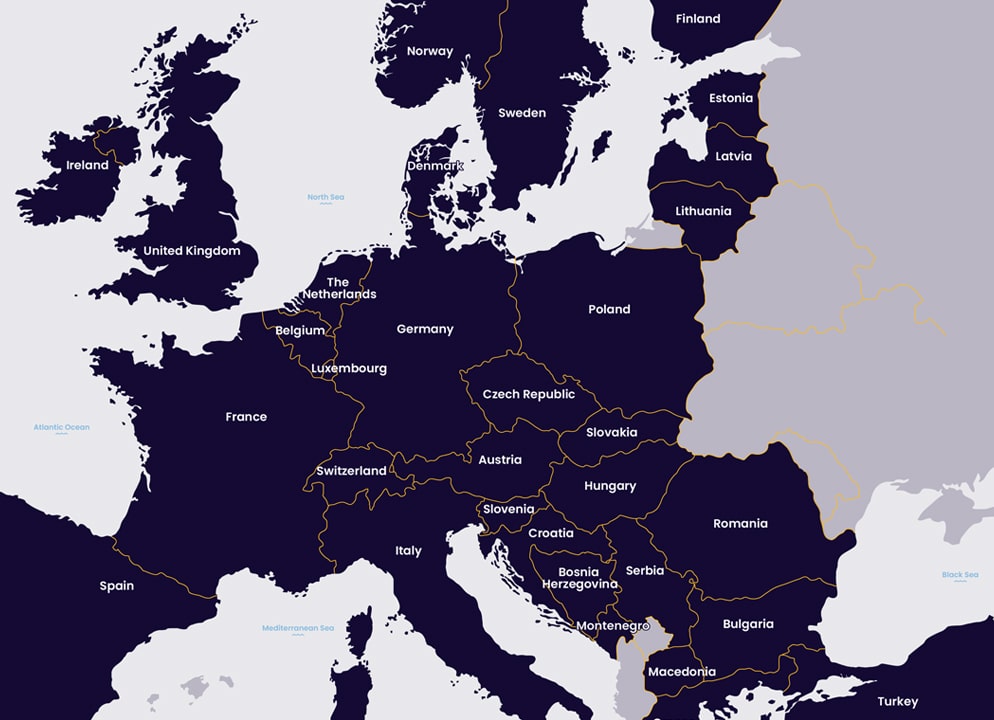
See multiple countries
Travel across Europe, visiting cities, remote villages, mountain towns and seaside hideaways.
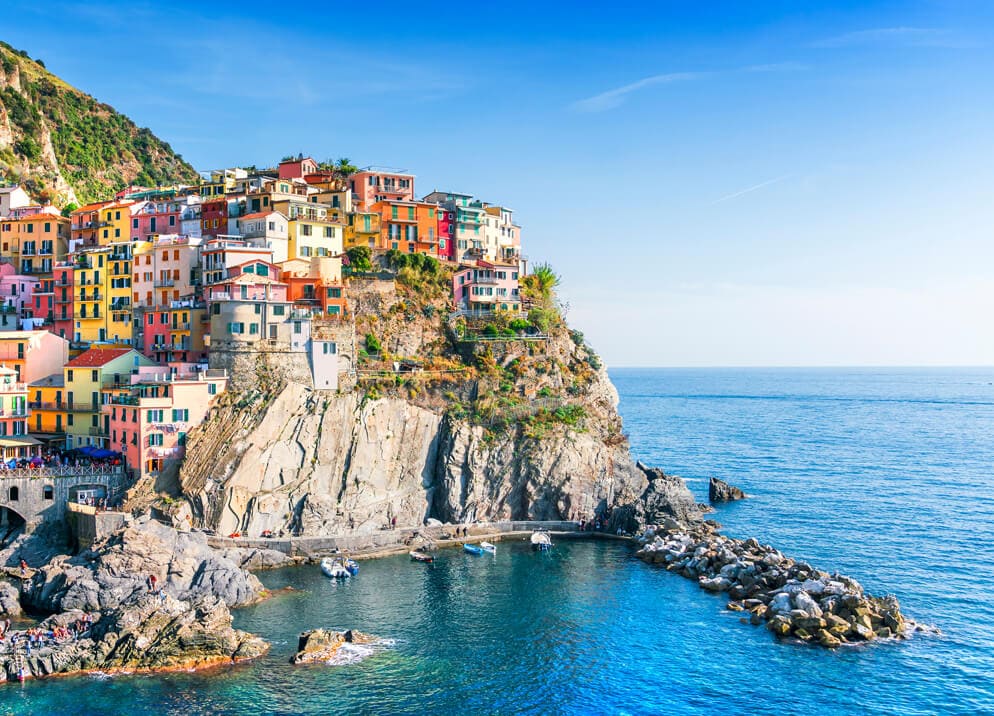
Explore one country in depth
Get to know one country inside out, including the highlights and the places only locals know about.

Get reservations included
Travel with all the perks of a Pass, plus the cost of seat reservations covered for most trains.

4. Reserve your seats

Your Pass is all you need to board most trains. But some high-speed, international and night trains require you to purchase additional seat reservations in advance at a small extra cost.
See which trains fit your travel plans using our timetable and check if they need a seat reservation. You can book your seat reservations using our timetable or through the railway carrier's website.

Want to travel reservation-free?
-
Reservation-free trains: Travel without seat reservations by checking the “no seat reservation” filter in our timetable or app.
-
 Sold-out seats? If the high-speed train you want to take is fully booked, check regional alternatives to popular trains to reach your destination. The good news: regional trains often have the best views.
5. Get ready for your trip




Change of currency
You cannot change the currency once you have a Pass in your cart. Remove the Pass, and then change the currency on the website header.